Razer Huntsman V3 Pro Low-Profile 8KHz Review
The Huntsman line of keyboards has established itself as one of the best gaming keyboard families on the market. The Razer Huntsman V3 Pro Low-Profile only continues that impressive run. This badboy makes an outstanding first impression before it’s even plugged in.
Razer clearly understands that tech geeks like me like to keep their boxes. Now I know Razer has been doing this for a while, but I need to point out that those easy peel seals are a welcome touch compared to the usual packaging tape that often requires a knife and inevitably damages the box. For that, I say thank you, Razer.
Inside, the keyboard arrives wrapped in a quality cloth sleeve and includes a handy dandy cheat-sheet style guide that makes learning its advanced features a little easier. The overall presentation out of the box feels premium.
Easy Breezy
Setup couldn’t be simpler. This is a true plug and play keyboard. Connect the detachable USB-C cable to your PC and you’re ready to go. The RGB lighting immediately steals the show, with bright, vibrant colors that look fantastic. There is no question it instantly elevates any gaming setup.
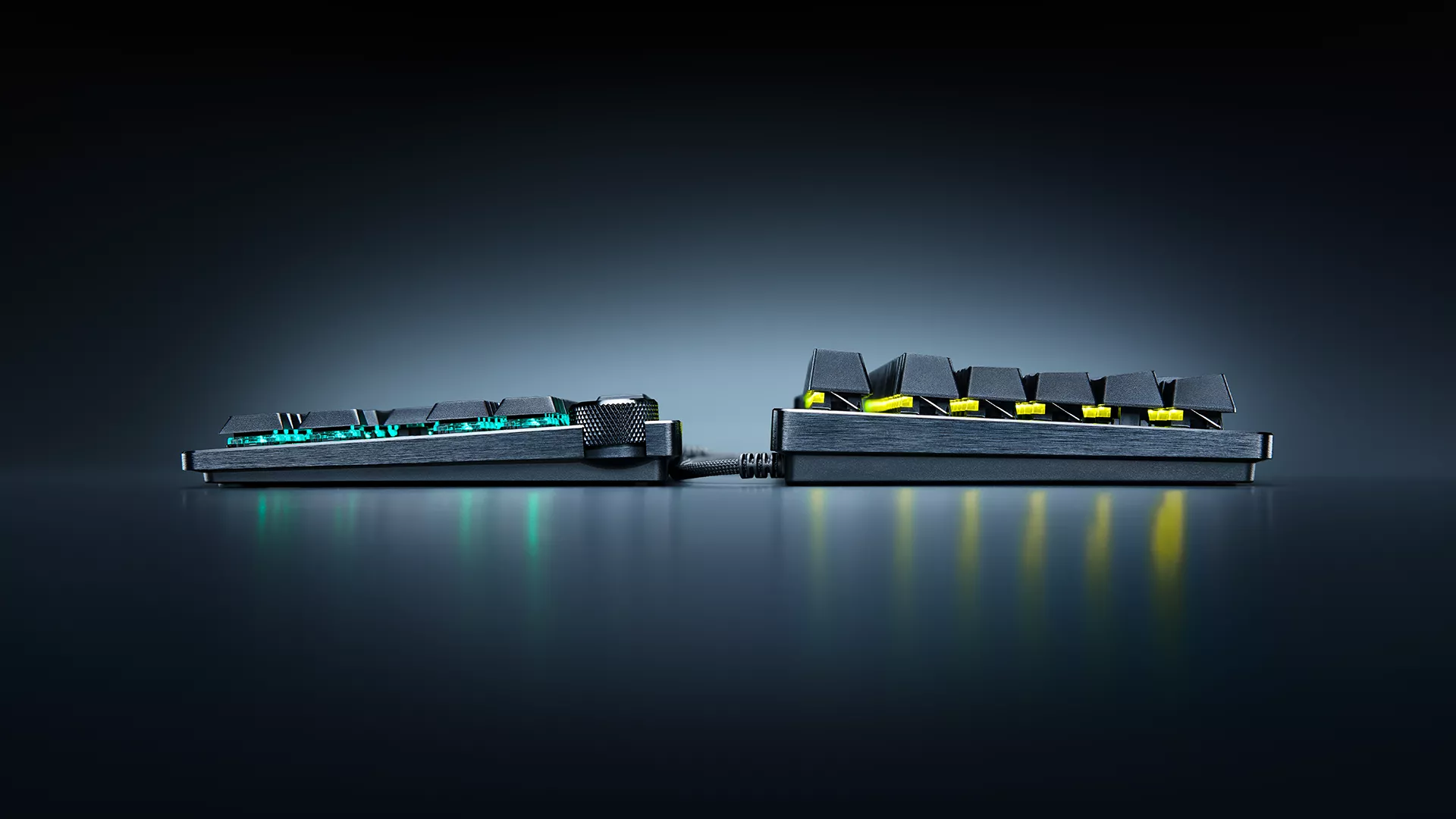
Like the packaging, the keyboard itself is sleek and premium looking. It features a durable 5052 aluminum alloy top case and an ultra low profile design. At just 19.5 mm high at the front edge, it keeps your hands in a more natural position. I found that it noticeably reduced wrist strain during longer gaming and typing sessions. The overall typing angle felt just right. That said, I still used a wrist rest for added comfort, partly because it’s what I’m accustomed to. However, I don’t think most users will necessarily need one with this keyboard.
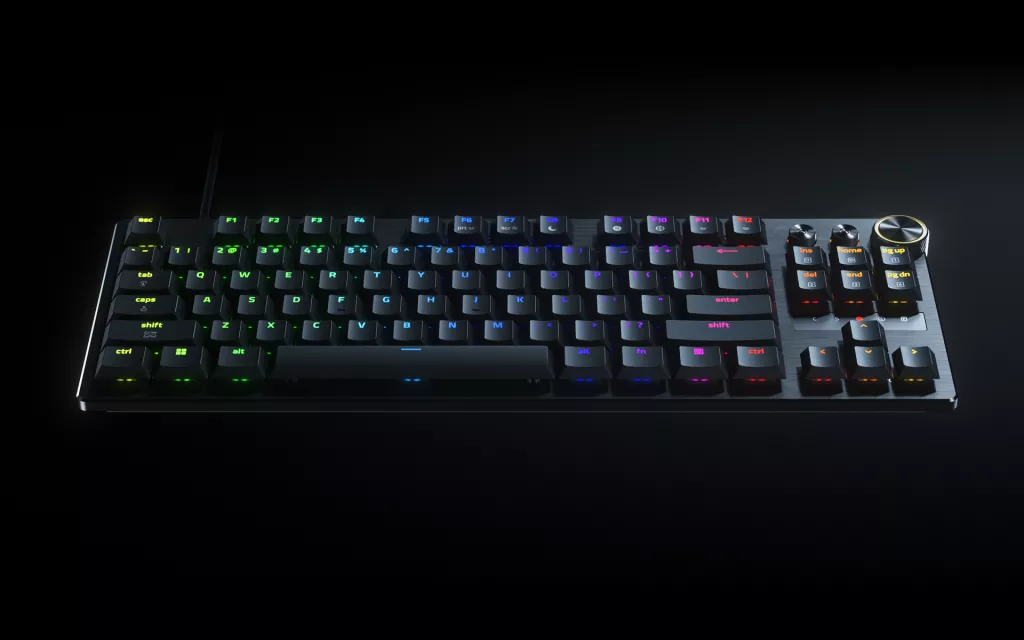
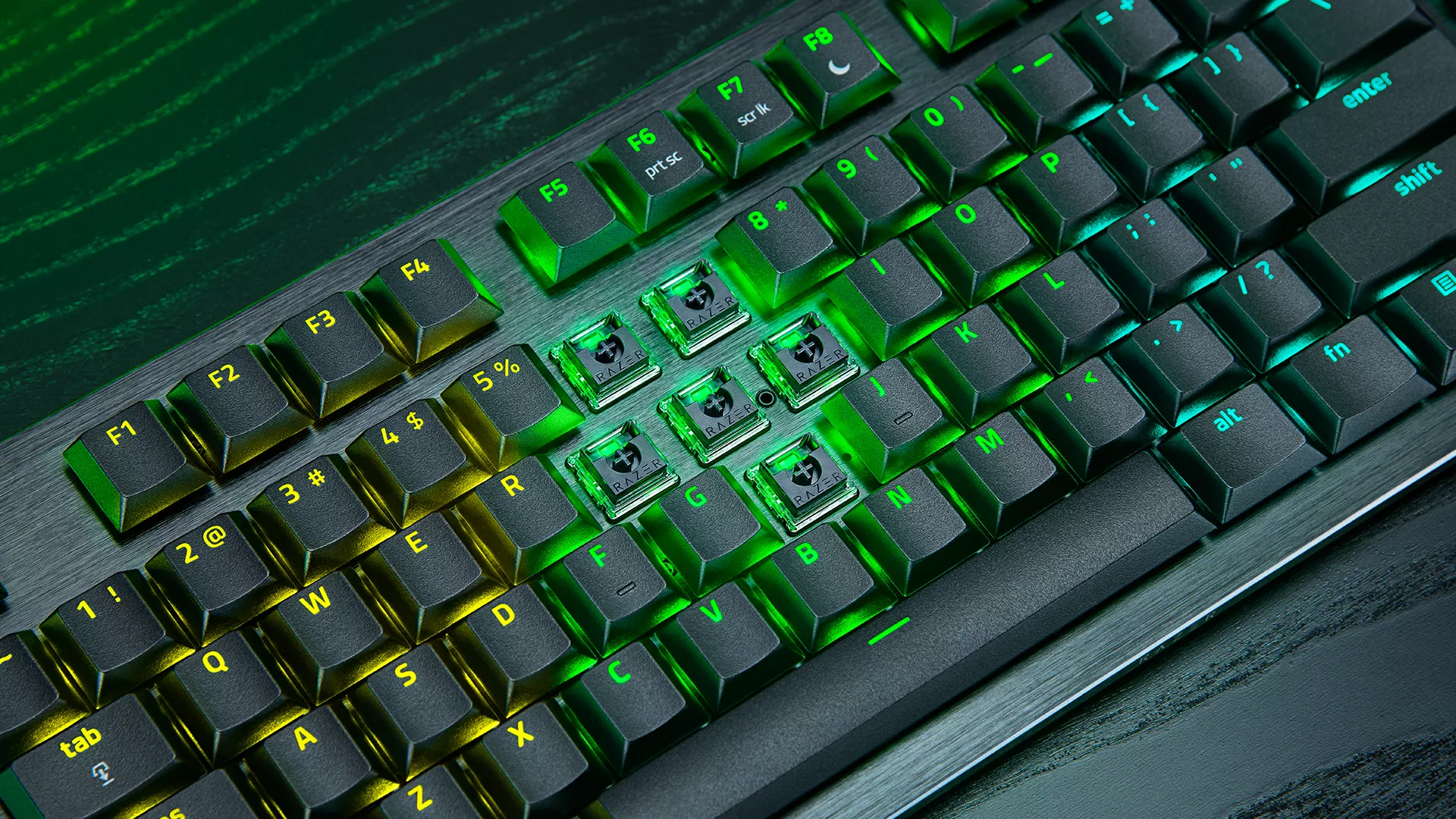
Typing and gaming feel excellent thanks to Razer’s low profile analog optical switches. The keys are butter-smooth, responsive, and have just the right amount of clickiness without becoming distracting. Overly loud keyboards tend to drive my wife crazy, so I appreciated the quieter sound profile here. Razer tells us that every switch is factory calibrated for consistent actuation, and it shows. Inputs felt incredibly responsive, with zero noticeable delay. They’re also rated for 100 million keystrokes, so durability shouldn’t be a concern.
Feature Packed
Where the Huntsman V3 Pro Low-Profile separates itself from the pack is its feature set. The adjustable actuation range from 0.1 mm to 2.8 mm allows folks to fine tune keypresses to their exact preferences. Rapid Trigger is especially impressive for FPS games, allowing keys to reset almost instantly for faster movement corrections and more responsive inputs. Features like Snap Tap, Snap Flex, Dynamic Keystroke, and Dual-Keypress Priority add another level of customization for players looking to squeeze every possible advantage out of their hardware.
The keyboard’s advertised 8000Hz polling rate is another standout feature. Combined with Razer’s analog optical technology, it is designed to deliver exceptional responsiveness and ultra-low latency. Over the review period, I experienced zero noticeable input delay. Bottom line, the keyboard feels extremely responsive.
Onboard profile support, quick LED-based adjustments, and the multi-function digital dial make it easy to tweak settings on the fly without constantly opening software.
Speaking of software, Razer Synapse Web is a surprisingly useful addition. From what I understand, it is still in Beta form, but being able to customize actuation points, Rapid Trigger settings, Snap Tap modes, and onboard profiles directly through a browser without installing software is a great convenience. Especially for folks who regularly switch between systems.
Double Tap
Rapid Trigger was one of the features that impressed me the most in actual gameplay. When strafing and releasing a movement key, the transition from moving to standing still felt noticeably more immediate. This can make a real difference when accuracy depends on stopping quickly before firing. Snap Tap provides a similar advantage by prioritizing the most recent directional input, making strafing feel more responsive, although features like Snap Tap and Snap Flex aren’t permitted in every competitive game, including official Counter-Strike servers. Snap Flex can also take some getting used to, as triggering an action when releasing a key can lead to unintended inputs if you’re not careful. Despite being designed primarily for competitive FPS games, Rapid Trigger can also benefit other games.
That said, this keyboard isn’t for everyone. The sheer number of gaming focused features can feel overwhelming at first. There is definitely a learning curve if you want to take full advantage of everything it offers. Likewise, while I personally enjoy the low profile design, some mechanical keyboard players may still prefer the feel of traditional switches.
My biggest complaint, however, is the lack of a number pad. As an old-school gamer and productivity user, I still appreciate having dedicated numpad keys. The compact design saves desk space, but it’s a tradeoff not everyone will be willing to make.
At $229.99 USD, the Huntsman V3 Pro Low-Profile is unquestionably a premium keyboard with a premium price tag. Casual gamers may not fully benefit from every advanced feature, making it difficult to justify the cost. However, for competitive players and folks who value customization, responsiveness, and cutting-edge technology, the price becomes much easier to swallow.
The Razer Huntsman V3 Pro Low-Profile delivers exceptional performance, rock solid build quality, impressive software options, and one of the most advanced feature sets available in a low profile gaming keyboard today. While the price, lack of a numpad, steep learning curve, and restrictions on some features in certain competitive games may deter some buyers, it’s easy to recommend for those seeking a top tier keyboard.
***Keyboard was provided by Razer for the purpose of this review***
The Good
- Excellent build quality
- Comfortable low-profile design
- Extremely responsive performance
- Extensive customization options
- Excellent Rapid Trigger implementation
The Bad
- Expensive at $229.99 USD
- No dedicated number pad
- Steep learning curve for its features