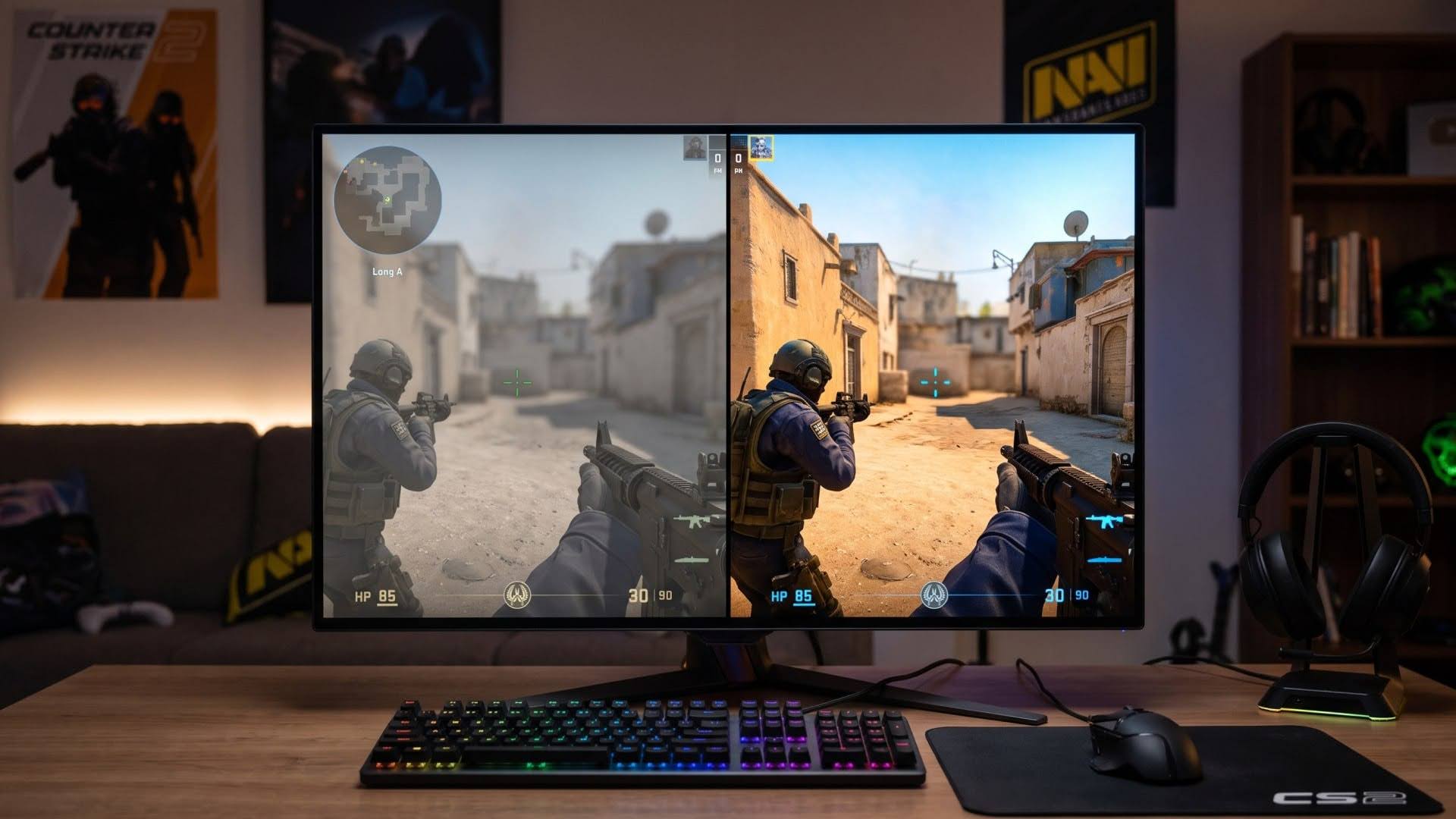
Counter-Strike 2 offers more varied and detailed game settings than many competitive shooters. At the same time, even a small change to one setting can affect both aiming and comfort during a match. As a result, many players copy pro setups instead of setting everything individually for their own game. The problem is that a pro config can be useful as a shortcut, but it’s not always the right solution, as every player is different.
What Can Be Adjusted in CS2
CS2 settings affect how players see opponent models, hear movement cues, move the mouse, and keep the aim under control during rounds:
- Mouse sensitivity and DPI: Control how far the crosshair moves after each mouse movement, so flicks, spray control, and micro-corrections change with each value.
- Resolution and aspect ratio: Change screen scaling, model width, and the view of angles, especially on 4:3 stretched or 16:9 setups.
- Video settings: Brightness, contrast, shadows, texture detail, and boost player contrast affect model visibility, dark spots, and map geometry.
- Crosshair: Size, gap, color, and thickness affect aiming comfort and playstyle.
- Sound settings: Help identify where opponent sounds come from, balance volume, and set sound direction, so footsteps and nearby actions are easier to identify.
- Launch options: Allow players to directly control frame rate stability, sync monitor refresh rate with gameplay, and automatically load personal config files for FACEIT or Premier matches.
Why Players Copy Pro Settings
Less Time Spent Guessing
Building a CS2 setup from zero takes more than opening the settings menu and changing values at random. Every change needs testing in Deathmatch, then another check in Premier or FACEIT, where round pace is closer to real matches. Many players don’t want to spend time finding a setup that only becomes usable after many corrections. As a result, they use CS2 Pro Settings as a faster route to a config backed by trust in the pro player who uses it.
A Tested Base For Real Matches
A copied pro config gives the player a structured starting point instead of a completely random setup. It doesn’t remove the need for personal adjustment, although it cuts the first stage of testing. The main value is practical. The setup comes from a player who uses it during practice, scrims, qualifiers, and official matches. For a regular CS2 player, that can be enough to start playing with fewer setup doubts before making small personal changes later.
The Drawbacks of Copying Pro Settings
The weak side of copying pro settings starts when the player doesn’t understand what has changed. A pro sensitivity can be built around a different mouse grip, desk space and aim style. An FPS-focused video preset can remove visual detail that another player still needs in real rounds. After blind copying, the main problem appears later. If the setup feels wrong, the player doesn’t know which value should change first. The config may look complete, but it doesn’t explain why each setting exists. Even a basic understanding of the main settings makes later adjustments faster and reduces mistakes that can affect matches. That makes later tuning shorter and less risky during matches. Copying can save time at the start, but only when the player treats the config as a base and understands what has to change for personal control.
Where the Middle Ground Is
A copied config works best as a starting point while the final CS2 setup still needs personal adjustment. The practical approach is to take one tested base, play several Deathmatch sessions, then adjust one or two values instead of replacing the whole config after every bad round. Sensitivity and brightness are usually the first values to check, as they affect aim control and model visibility quickly. It also helps to understand the upside and downside of each setting at least at a basic level. For example, the 1280×960 4:3 stretched resolution can make opponent models appear about one third wider, which can help with aiming. At the same time, the player loses part of the side view, so an opponent near the screen edge can be missed. A good setup keeps the useful parts and corrects the values that hurt real rounds later.
The Setup Behind the Game
CS2 settings don’t replace mechanics, timing, or round decisions. They only shape how the game responds to the player’s input. A good setup removes unnecessary friction between the decision and the action, so aiming, movement, and reactions connect without extra hesitation. The real value comes from control, not from the settings menu itself. When each chosen value has a clear purpose, the setup becomes easier to maintain after updates, hardware changes, or role changes.