Turtle Beach Vulcan II XP Air Review – Wireless Innovation Takes Flight
The gaming keyboard market is jam-packed with killer keyboards. Brands like Razer, SteelSeries, and Turtle Beach continue pushing faster switches, deeper customization, and more features than ever. It’s enough to make your head spin, especially when so many receive glowing reviews. Originally developed by ROCCAT and now under the Turtle Beach banner, the Vulcan lineup has been around for quite some time. These aren’t exactly entry-level keyboards, but they don’t venture into uber high-end territory either. Instead, they’ve built a reputation for premium styling, slick RGB lighting, and a typing experience that works just as well for everyday productivity as it does for gaming. They occupy an interesting higher middle ground, offering plenty of appeal without venturing into wallet destroying territory.
The new Turtle Beach Vulcan II XP Air takes that familiar formula and cuts the cord. Building on the improvements from its predecessor, this wireless keyboard adds tri-mode connectivity, unbelievable battery life, and one particularly cool feature: an AI-powered gesture sensor. At $199.99 USD, it certainly isn’t cheap. Still, Turtle Beach has given gamers plenty of reasons to take notice.
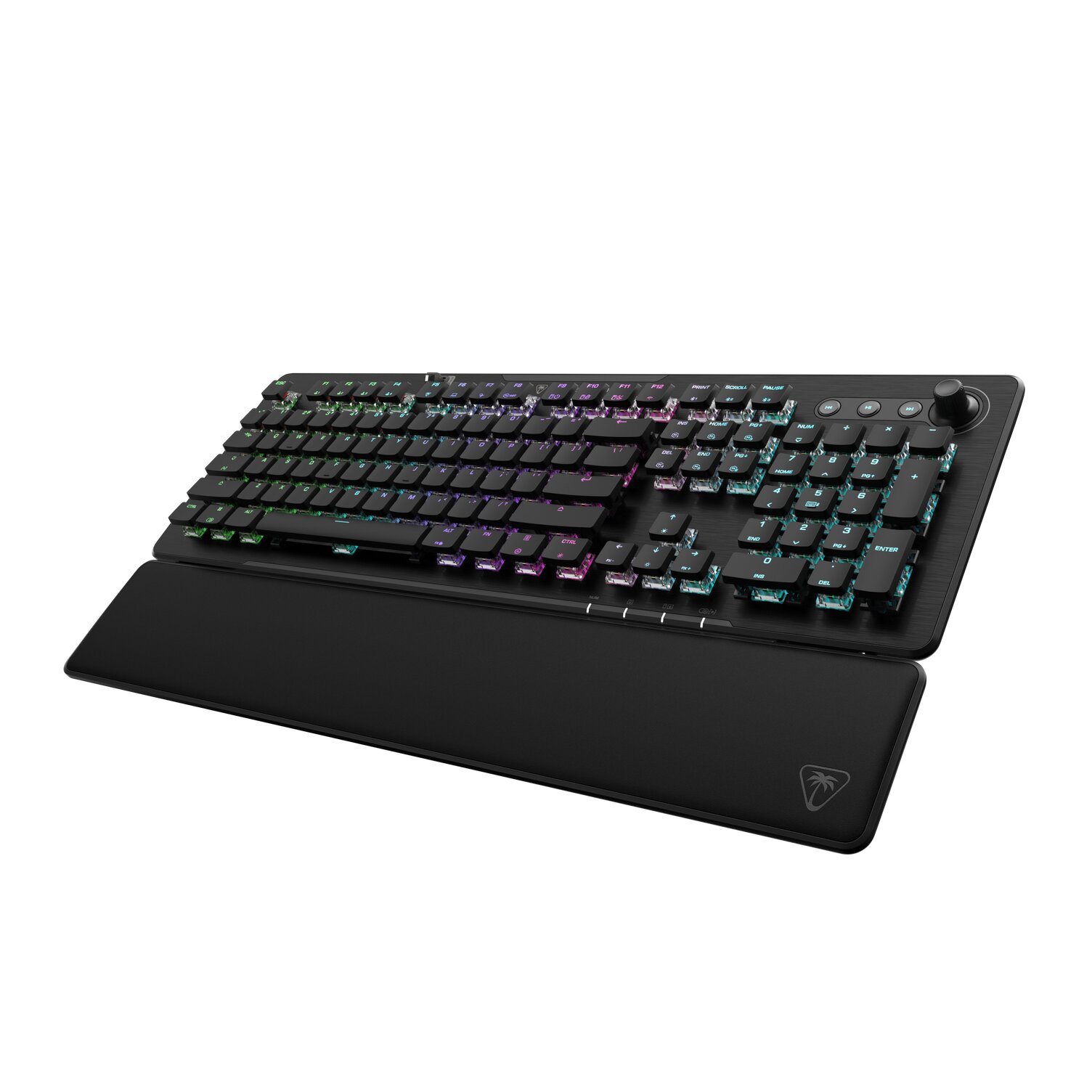
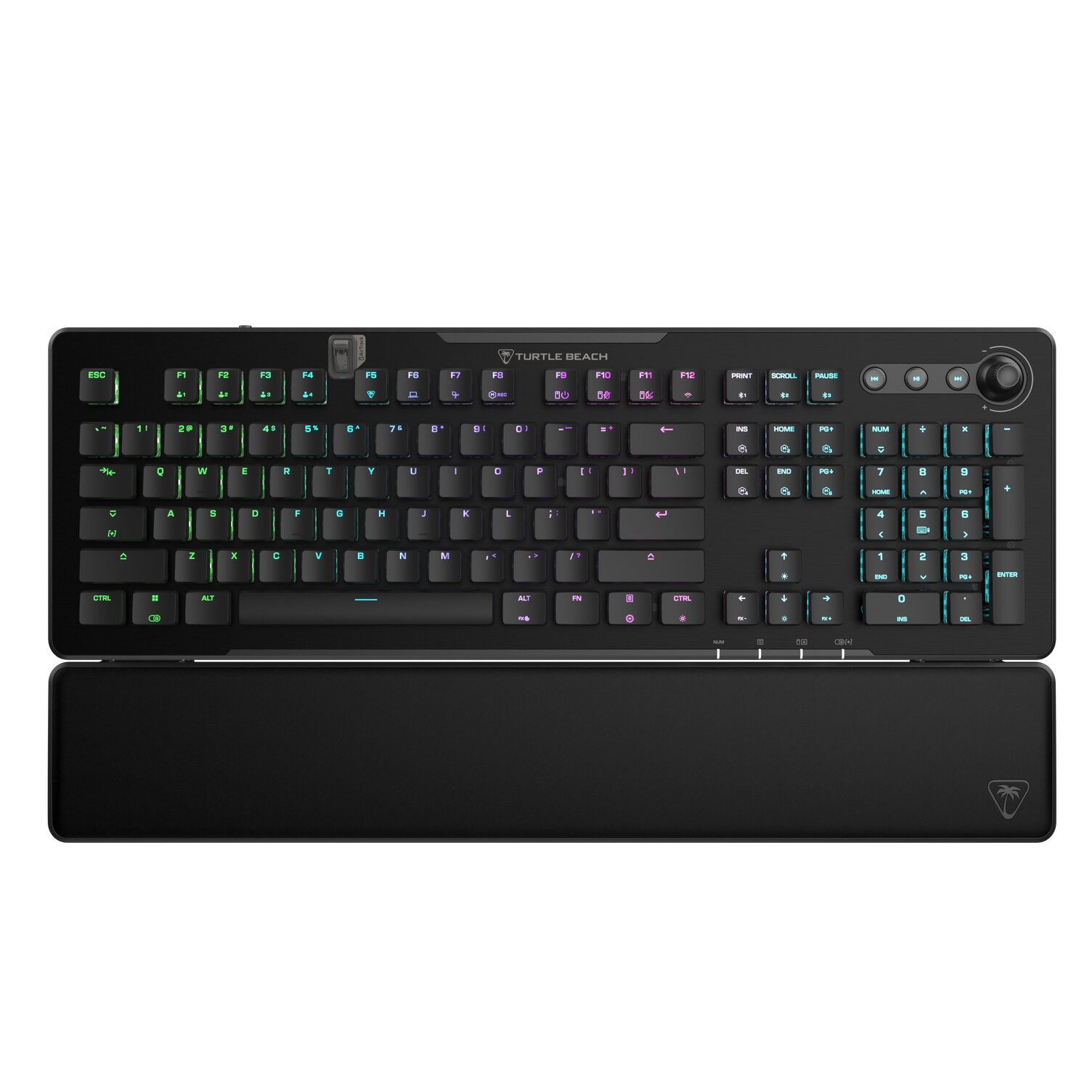
The first thing that caught my eye when pulling the Vulcan II XP Air out of the box was its design. Turtle Beach hasn’t reinvented the wheel, but the familiar low-profile floating keycap layout looks fantastic on my desk. Combined with the brushed aluminum top plate, it gives the keyboard a modern feel without being overly flashy. If you’re a fan of RGB lighting, the XP Air absolutely delivers. The exposed switches and key illumination create some gorgeous effects that really bring the keyboard to life. It’s an impressive sight when you first play with it.
AirTrack or Air-Gimmick?
However, the biggest and slickest addition is undoubtedly AirTrack. Built directly into the keyboard, this gesture sensor recognizes hand movements without requiring physical contact. Think of it as touchless keyboard controls. For example, a simple swipe up or down mutes or unmutes your audio, while swiping left or right can turn the RGB lighting on or off. You can even make clockwise or counterclockwise circular motions to navigate forward or backward in your browser. And the best part? It works!
The Air Track gestures can be customized through Turtle Beach’s Swarm II software. So you can assign different commands to suit your preferences. AirTrack also detects when you step away, automatically dimming the RGB lighting when you leave your desk.
It’s a feature that helps the Vulcan II XP Air stand out from the crowd. Now, whether gesture controls become an essential part of your daily routine is another question. Even as I write this, I’m still getting used to AirTrack, but I appreciate Turtle Beach experimenting with something a little outside the box. It’s genuinely interesting, even if its long-term usefulness will ultimately depend on how often you find yourself using it.
Underneath those sexy keycaps are Turtle Beach’s TITAN HS Red Linear mechanical switches. Factory pre-lubed switches are paired with pre-lubed stabilizers and integrated sound-dampening foam to deliver smooth keystrokes. The result is a typing experience that just feels comfortable.
Smooth Operators and Switch Swappers
One of the biggest improvements carried over from the XP is hot-swap support. Compatible with both 3-pin and 5-pin mechanical switches, folks can replace switches without soldering. This is a fantastic addition for gamers who enjoy experimenting with different switch types or simply want the flexibility to replace a faulty switch down the road.
Performance is equally impressive. Full N-Key Rollover and 100% anti-ghosting ensure every keypress is accurately registered. Competitive players will also appreciate ReacTap SOCD technology, which prioritizes the latest directional input for more responsive movement and counter-strafing.
That said, hardcore competitive gamers may find some things missing. The XP Air doesn’t feature Hall Effect switches, adjustable actuation points, or Rapid Trigger technology. These features are increasingly common among premium gaming keyboards, particularly those targeting competitive shooter players.
Where the XP Air really shines is its versatility. Tri-mode connectivity allows users to connect through 2.4GHz wireless, Bluetooth, or a traditional wired USB connection. Even better, the keyboard supports connections to up to five devices, making it easy to switch between a gaming PC, laptop, and other compatible devices.
2,000 Hours? That’s Longer Than My Attention Span
Battery life is another major selling point. The XP Air features a 6,000mAh rechargeable battery, with Turtle Beach claiming up to a bananas 2,000 hours of use with RGB lighting and AirTrack disabled. Simply put, that is incredible. With the RGB lights enabled, that figure dramatically drops to approximately 95 hours, which is still impressive.
Customization is handled through Turtle Beach’s Swarm II software, which can sometimes be a bit finicky. Folks can remap keys, create macros, adjust RGB lighting, configure gestures, and manage up to five onboard profiles. The software is functional; it just lacks some of the polish found in competing ecosystems from Logitech, Razer, and SteelSeries.
Build quality is excellent. The brushed aluminum top plate gives the keyboard a premium appearance, while the detachable soft foam wrist rest adds some comfort during extended sessions. The dedicated multimedia wheel is another nice little addition. My only minor complaint is the use of ABS keycaps, as some competing keyboards offer more durable PBT alternatives at this price.
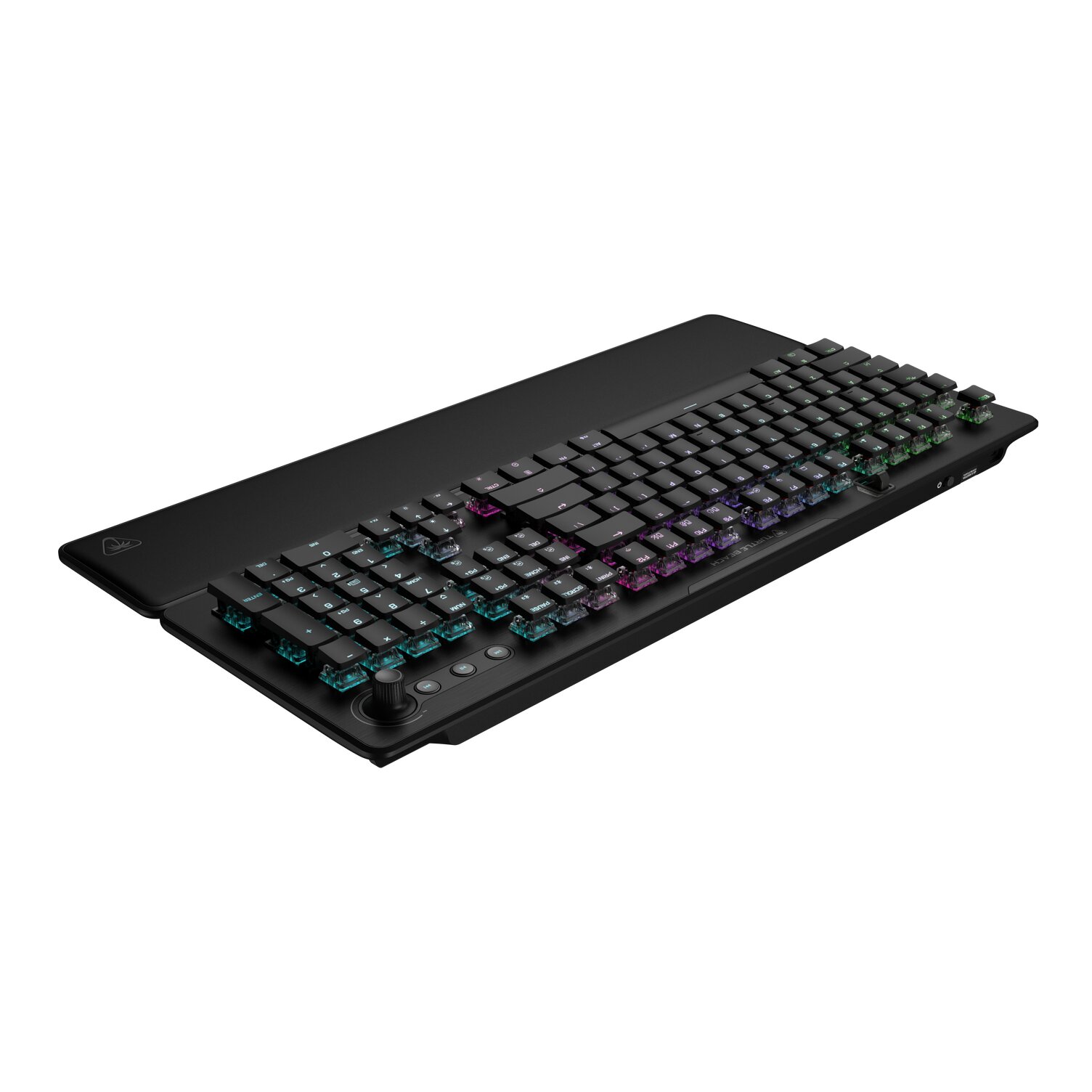
The Turtle Beach Vulcan II XP Air is an impressive wireless mechanical keyboard that introduces some genuinely interesting technology. The hot-swappable switches, stunning RGB lighting, strong performance, and excellent connectivity make it a compelling all-around option. AirTrack may not be revolutionary, but it’s a fun and potentially useful addition that helps distinguish the XP Air from its competitors. It isn’t perfect, particularly for folks looking for Hall Effect technology or premium PBT keycaps, but it’s an excellent option for gamers who want one keyboard that handles both work and play.
***Keyboard was provided to COGconnected for the purpose of this review***
The Good
- Excellent RGB lighting
- Premium aluminum design
- Innovative AirTrack gesture controls
- Hot-swappable switches
- Outstanding battery life with RGB disabled
- Versatile connectivity
The Bad
- No Hall Effect switches or Rapid Trigger
- ABS keycaps instead of premium PBT
- A little pricey
- Swarm II software lacks polish