Better Than The Old Model, That’s For Sure
Portable PC gaming is slowly improving. At least that’s how it feels after spending a couple of weeks with MSI’s Claw 8 EX AI+. I previously covered the 8 AI+, which I found a bit lacking in some key areas. The good news is that some of those issues have been addressed. But are these fixes enough? Or is this slice of the market doomed to play catch-up forever?
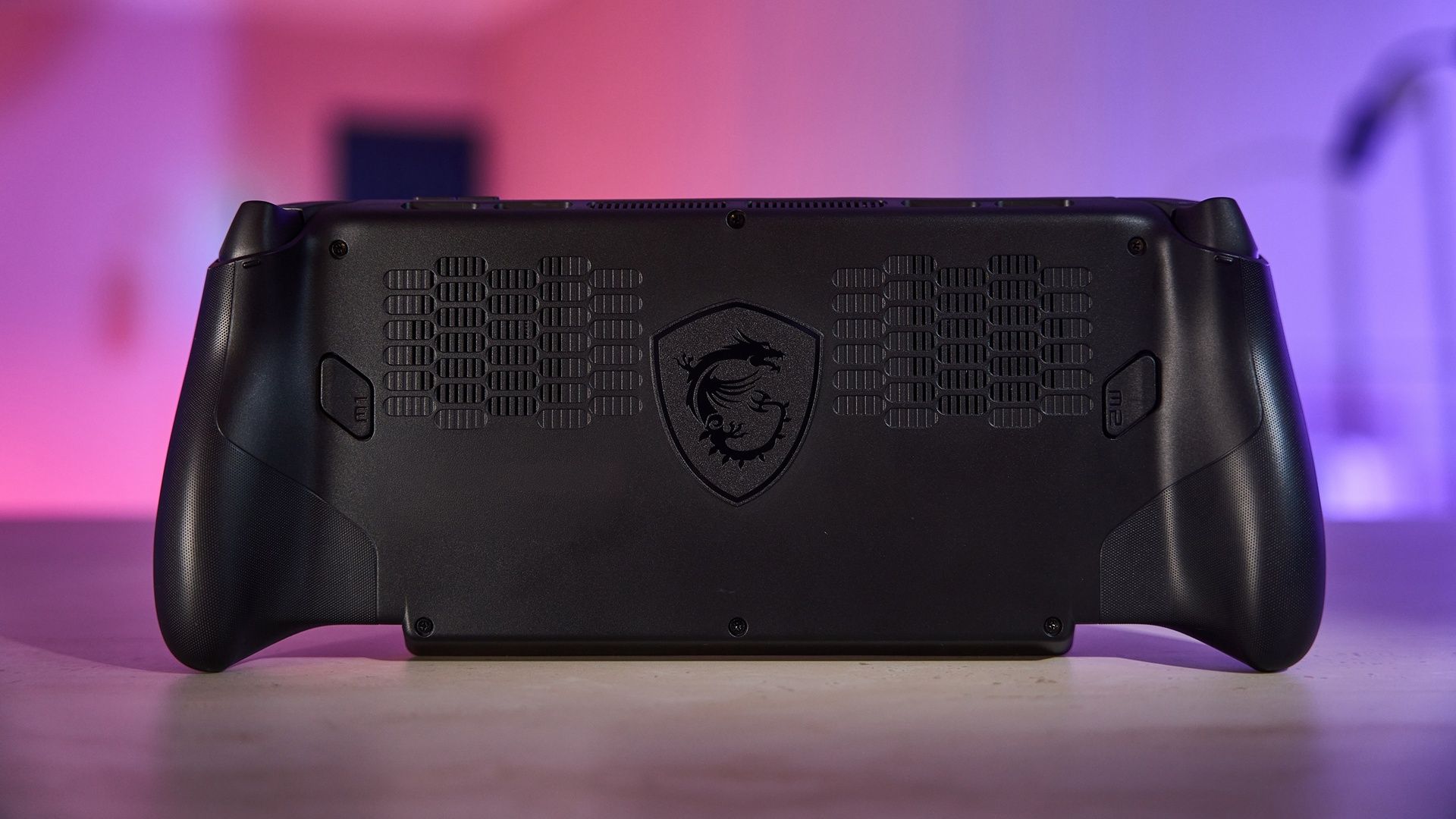
That’s the trouble with these compact, convenient machines. You’re always sacrificing some degree of power and performance for portability and form factor. So you’re constantly attaching a caveat to all your glowing praise. The Claw 8 EX is no exception. This machine performs quite well – for what it is. The list of compatible games is longer, and their base performance is more impressive. But the usual limitations are present and accounted for.
New and Improved
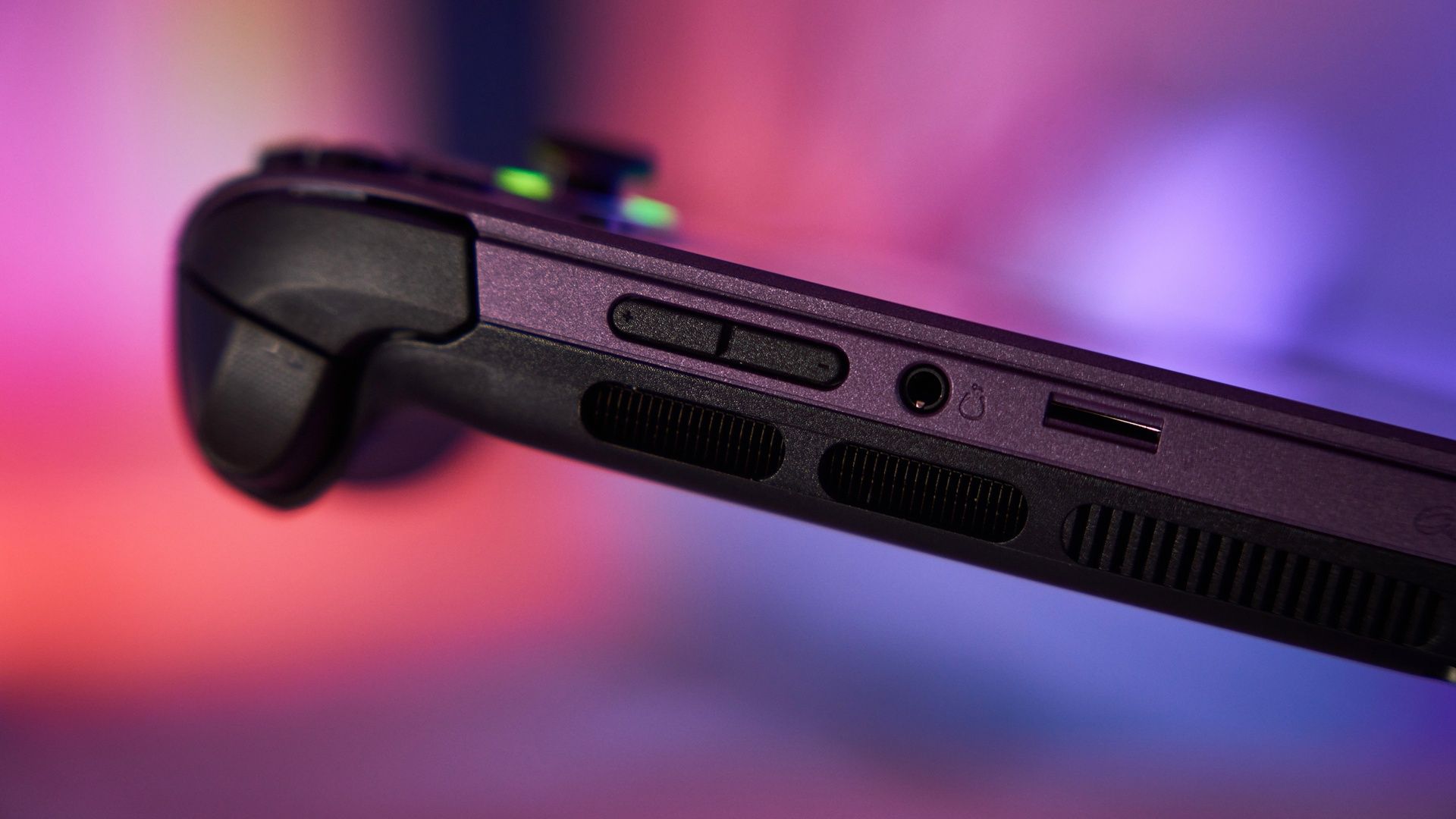
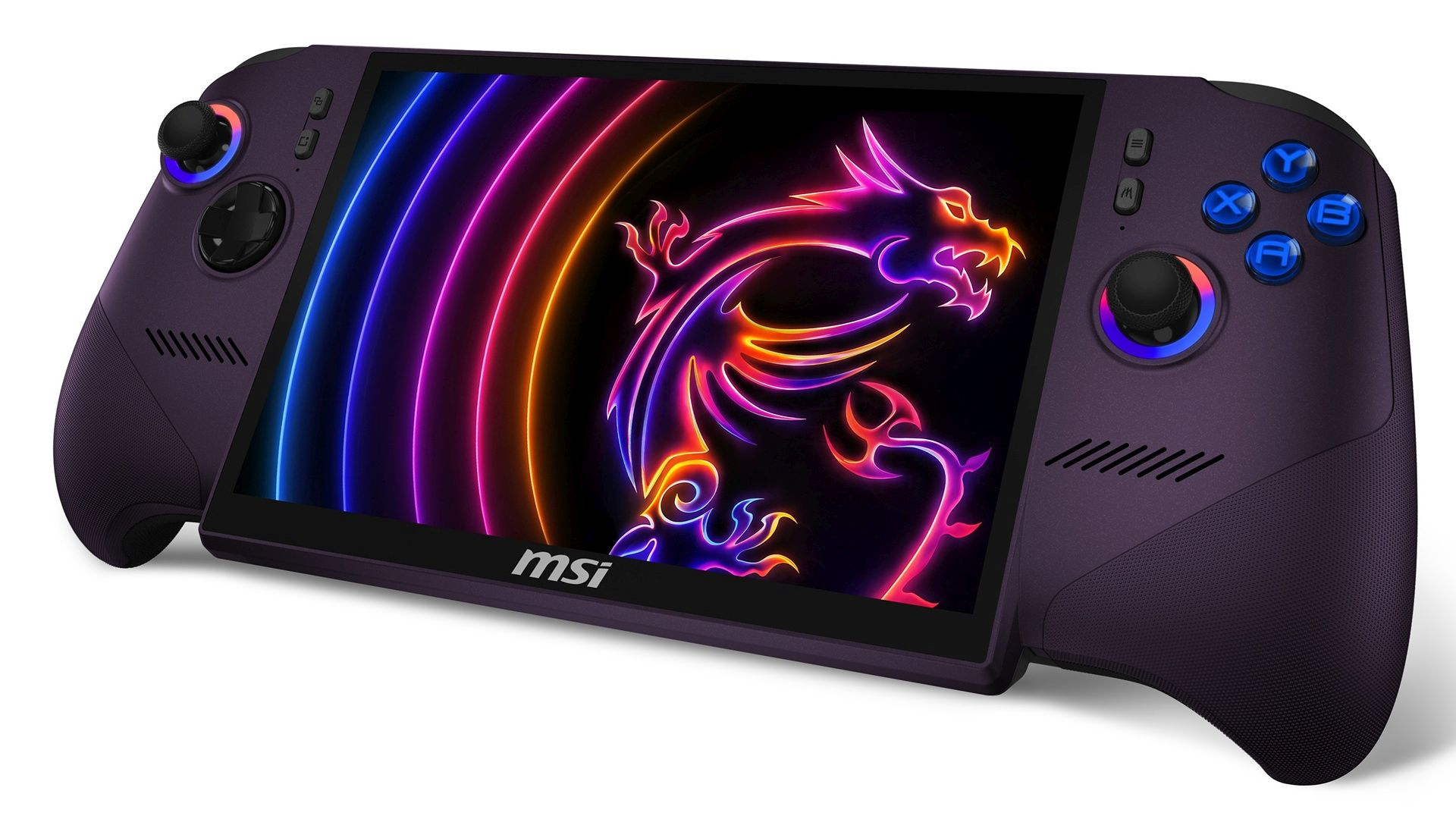
The Claw 8 EX has an Intel Arc G3 Extreme processor doing all the heavy lifting. The GPU is an Arc B390, which is fine, but nothing crazy. You’ve got up to 32 GB of dual-channel LPDDR5x RAM, more than enough for most games. The display is an 8-inch 1920x1200p touchscreen. At that size, 1080p is still pretty crisp. There are two Thunderbolt 4 ports, a microSD reader port, and an audio jack. You’ve also got an NVMe M.2 2280 SSD slot for additional storage. The battery is big enough for five hours of gaming if you’re clever with the various power settings.
I performed the usual battery of tests. Deathloop runs shockingly well. A lot of settings default to high or ultra, and the framerate was steady, if not 60fps. My usual slate of weird games did just as well. Bloodstained, Street Fighter V, and Mina the Hollower all ran beautifully. Plus, I tried out the new Lego Batman game. You wouldn’t think that was a serious system test, but it’s crammed with slick textures and on-screen objects. And once again, the game ran quite admirably.
Lots of Compatible Games
Of course, there are still some curious UX issues. For whatever reason, the Claw 8 EX still has its own bespoke OS for managing your game library. I tried booting up Bloodstained through this system, and a login prompt kind of softlocked the whole device. I had to hard reset to escape. In fact, any keyboard operations throw that whole system into total panic mode. In my experience, it’s better to avoid that system altogether. Yes, navigating windows using touch controls is annoying, but it’s also not prone to fatal errors.
On the other hand, if you stick with the standard Windows desktop mode, you can do all kinds of wild nonsense. I used the Claw 8 EX to capture video footage through an Elgato. So long as you’ve got the machine plugged in and charging, it’s a downright breezy operation. A good dock also goes a long way towards proper PC status. I managed to get a mouse, keyboard, and monitor running off the Claw 8 EX with hardly and hassle at all.
Avoid That Bespoke OS
Really, your biggest issues come whenever you have to switch from desktop to gamepad mode and back. Touchscreen keyboards float about and vanish, blank forms go non-corporeal, and game menus forget you were ever there. Trying to have it all is an ill-advised, dangerous activity. But when it comes to actually playing games, the Claw 8 EX does pretty dang well.
PC gaming is a real minefield these days. RAM and GPU costs are downright prohibitive, which means building your own rig is sliding into used car territory. So something like the MSI Claw 8 EX is a pretty tempting prospect. It’s not quite ready to replace a proper desktop machine, but it’s getting better for sure.
*** The device was provided to COGconnected by Intel Canada.***