SteelSeries Apex Pro TKL Gen 3 Review
Back in 2022, my man James reviewed the original SteelSeries Apex Pro TKL and dished out a well-deserved high score. He loved its rock-solid construction, responsive switches, vibrant RGB lighting, and slick OLED display. James considered it an impressive piece of hardware that made both gaming and everyday typing a pleasure. Fast forward to the Apex Pro TKL Gen 3 and SteelSeries has refined an already impressive formula. Featuring redesigned OmniPoint 3.0 switches, improved acoustics, slick RGB lighting and an impressive collection of gaming-related features, there’s plenty here to get excited about.
At first glance, the Apex Pro TKL Gen 3 doesn’t look all that different from its predecessors. It maintains that familiar tenkeyless design, premium construction, the lighting and the aesthetic, but the real improvements are under the hood.
Looks Familiar, Hits Different
The biggest upgrade can be credited to SteelSeries’ OmniPoint 3.0 adjustable HyperMagnetic switches. Using that Hall Effect technology that everyone loves, these switches offer adjustable actuation points. They range from a super-sensitive 0.1mm to a much more deliberate 4.0mm. This gives folks 40 different actuation points to experiment with.
For competitive folks, this is a fantastic level of control. You can configure WASD for fast movement while keeping other keys less sensitive to prevent accidental misfires. The switches are also smoother thanks to that per-key lubrication and improved stabilizers. It all makes for a satisfying typing experience.
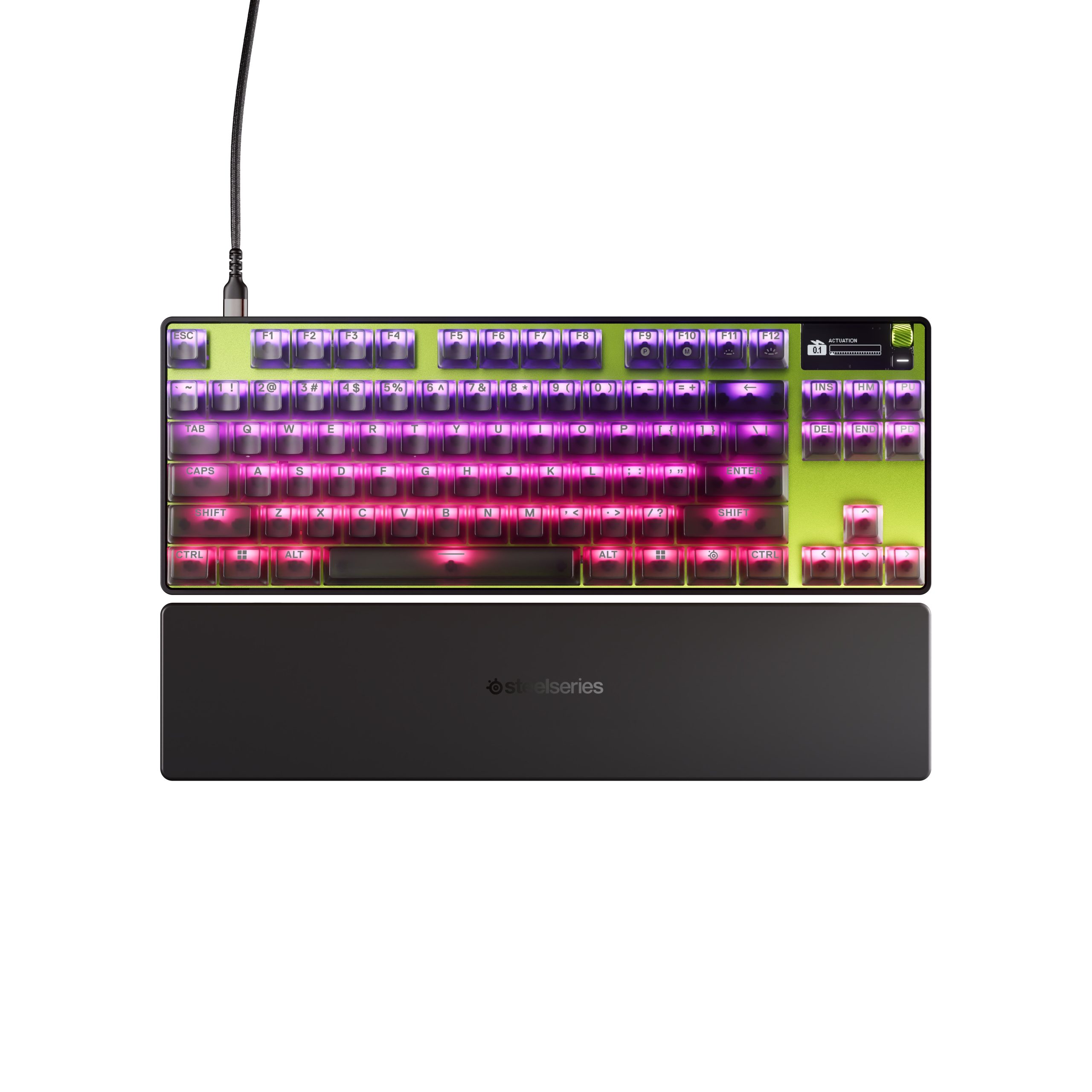
Of course, the switches are only part of the equation. SteelSeries has introduced several software enhancements designed to give gamers a competitive advantage without spending hours tinkering with individual settings.
GG QuickSet is arguably the biggest addition. It provides recommended configurations for popular games, allowing folks to quickly apply settings for actuation, Rapid Trigger, Rapid Tap, Protection Mode and RGB lighting. I love this approach as it makes everything much more accessible.
Rapid Trigger allows keys to activate and reset almost immediately based on finger movement, rather than requiring a full release before another input registers. For fast-paced shooters and competitive titles, this is a game changer, and for someone like me who is aging with crappy reflexes, it’s fantastic.
Rapid Tap takes things even further by prioritizing the most recently pressed key in a paired combination. This is useful for counter-strafing and other movements where split-second button presses matter.
Then there’s Protection Mode, which reduces the sensitivity of surrounding keys to help prevent accidental presses or misfires. We’ve all experienced those frustrating moments when an unintended keystroke destroys an otherwise perfect play.
Granted, it can all be overwhelming. There are tons of options. Thankfully, QuickSet helps make the experience considerably less intimidating.
Less Rattle, More Battle
The overall typing experience is excellent. While the keys are a bit louder than I personally prefer, they still feel excellent to type on. SteelSeries has added triple-layer sound-dampening foam, improved stabilizers, and per-key lubrication, resulting in a smoother, more consistent, and more satisfying experience.
The improvements are noticeable. There’s less unwanted rattling, and key wobble is better controlled. The double-shot PBT keycaps further enhance the premium feel while offering excellent durability.
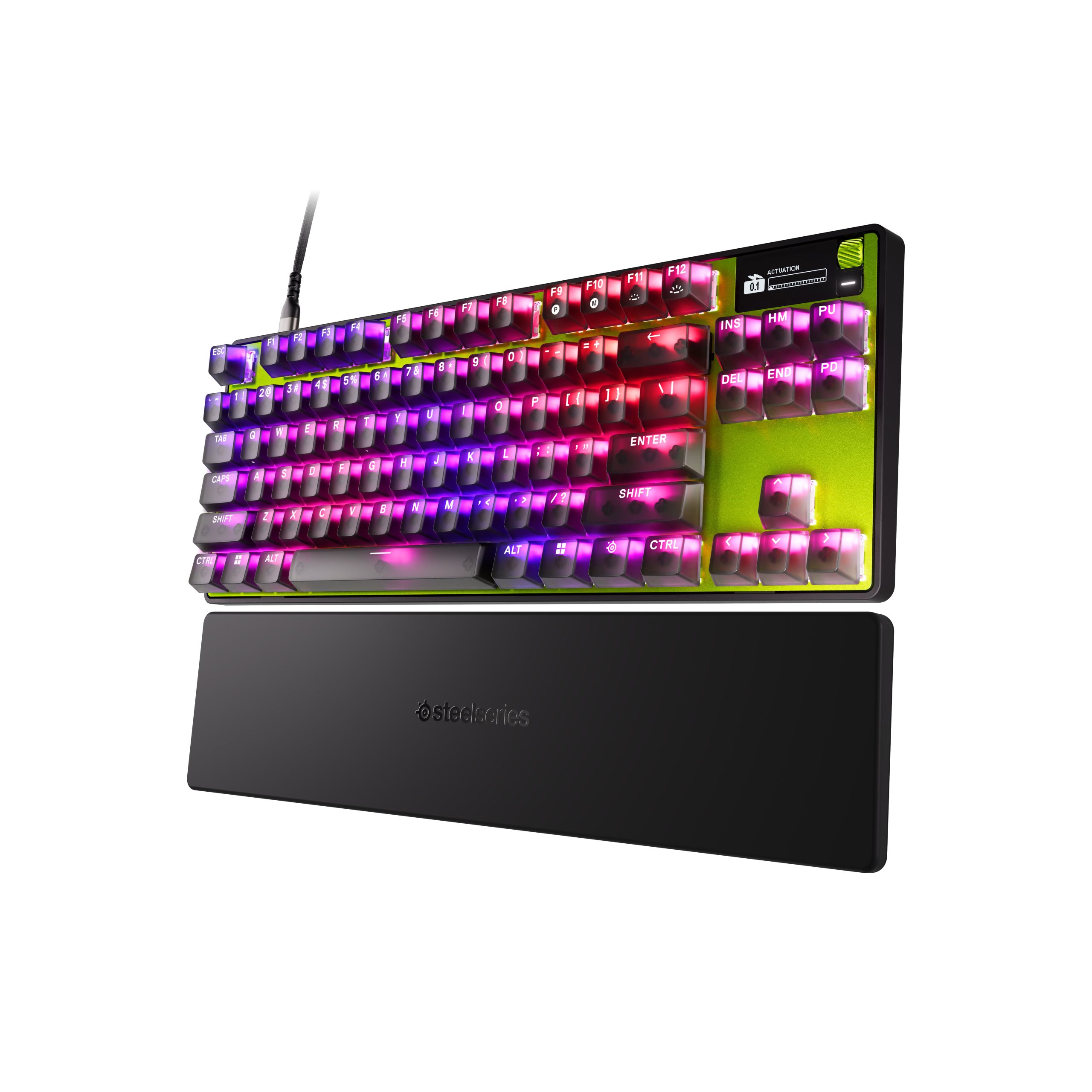
The tenkeyless layout remains a great choice for gaming. Granted, I miss the number pad, but its removal does free up valuable desk space for mouse movement.
The OLED Smart Display also returns, providing quick access to profiles, settings and useful information. Combined with the dedicated media controls and customizable per-key RGB lighting, there’s plenty to appreciate beyond the switches themselves.
As impressive as the Apex Pro TKL Gen 3 is, there are a few things worth considering before making the investment.
First, the price. At $219 USD, this is unquestionably a premium keyboard at a premium price. Bottom line, there are excellent alternatives available for considerably less, including some that offer similar Hall Effect technology.
The wired only design may also disappoint players looking for some wireless flexibility. SteelSeries does offer a separate wireless version of the Apex Pro TKL Gen 3, but it comes at an additional cost.
Additionally, not every key uses OmniPoint magnetic technology, and the switches aren’t hot-swappable, limiting some of the customization possibilities folks might expect at this price.
Finally, the included wrist rest may not be ideal for everyone’s hands, particularly those who prefer a more substantial or thicker palm support.
The Ultimate Competitive Keyboard?
The SteelSeries Apex Pro TKL Gen 3 is an impressive gaming keyboard. OmniPoint 3.0 switches, Rapid Trigger, Rapid Tap and Protection Mode provide a fantastic collection of competitive features, while the improved stabilizers and triple-layer sound dampening make everyday typing enjoyable. That being said, it ain’t cheap. And some of its more advanced features will appeal primarily to competitive players rather than casual users. However, the combination of performance, customization and build quality makes it an easy keyboard to recommend to anyone serious about their gaming setup. If speed, precision, and customization are high on your priority list, the Apex Pro TKL Gen 3 deserves a spot on your shortlist.
***The keyboard was provided to COGconnected for the purpose of this review.***
The Good
- Outstanding OmniPoint 3.0 switches
- Excellent customization
- Rapid Trigger and Rapid Tap are great
- Satisfying typing experience
- Premium build quality
The Bad
- Expensive at $219 USD
- Wired only
- Not all keys feature OmniPoint switches