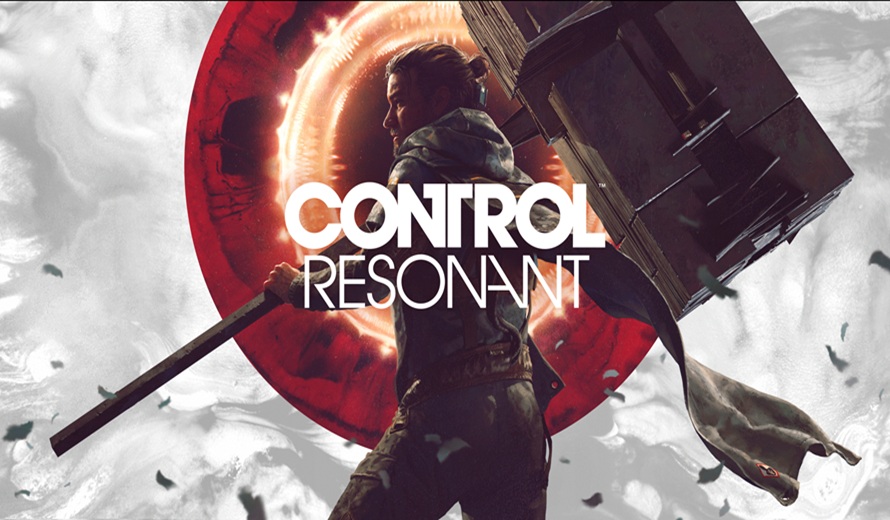
Crescent Kittie Keeps Cosplay Fun
Each week, we feature cosplayers from around the world. Today, we’re happy to present the highly talented cosplay of Crescent Kittie!
Each week, we feature cosplayers from around the world. Today, we’re happy to present the highly talented cosplay of Crescent Kittie!
This week’s cosplay feature is headlined by Arurinh, an LA-based cosplayer with a great variety of high quality cosplays.
Summer is heating up around here, or maybe it’s just this week’s cosplayer, Haley Cosplay and her incredible TikToks!
Each week, we feature cosplayers from around the world. Today, we’re happy to present the highly talented cosplay of Laura Gilbert!
This week, we are featuring JILI, a Japanese cosplayer and vlogger who exudes confidence and range across her work.
This week’s cosplay article features the incredible cosplay of Anni The Duck.
Online casino platforms have grown rapidly over the past decade, offering players a broader range of games than ever before. Platforms such as Lolajack Casino illustrate how modern casino sites continue expanding their libraries to meet the expectations of players who want variety and innovation. The growth of online gaming has made it possible for casinos to … Continued
Nothing. Nothing happens when you fly into a planet, moon, or sun in Starfield. Your spaceship will get stuck 9990 meters above the surface of the planet and you will keep flying infinitely into an invisible barrier. The screen will look pixelated because you are so close to the planet and the game was designed … Continued
In Starfield, the ability to establish Outposts on planets for resource extraction and personal bases of operation can greatly enhance your gameplay. Here’s a step-by-step guide on how to do it: Step 1: Scouting for Suitable Locations Begin by free-roaming on a planet and activating the Scanner. On Xbox, use LB, and on PC, press … Continued
In the vast cosmos of Starfield, mastering the art of swift weapon selection can be a game-changer. Although the game doesn’t provide explicit guidance on this, we’ve got you covered with a step-by-step guide: Step 1: Accessing Your Inventory Xbox: Simply press the Menu-Button, then select “Inventory.” PC: Press the “I” key to open your … Continued
 Nintendo Switch Sports Resort Review – A Sporting Good Time
 Final Fantasy: Resonance Review – A Modern Masterpiece with a Classic Soul
 Aion 2 Review – All Flash, Little Substance, and Plenty of Paywalls
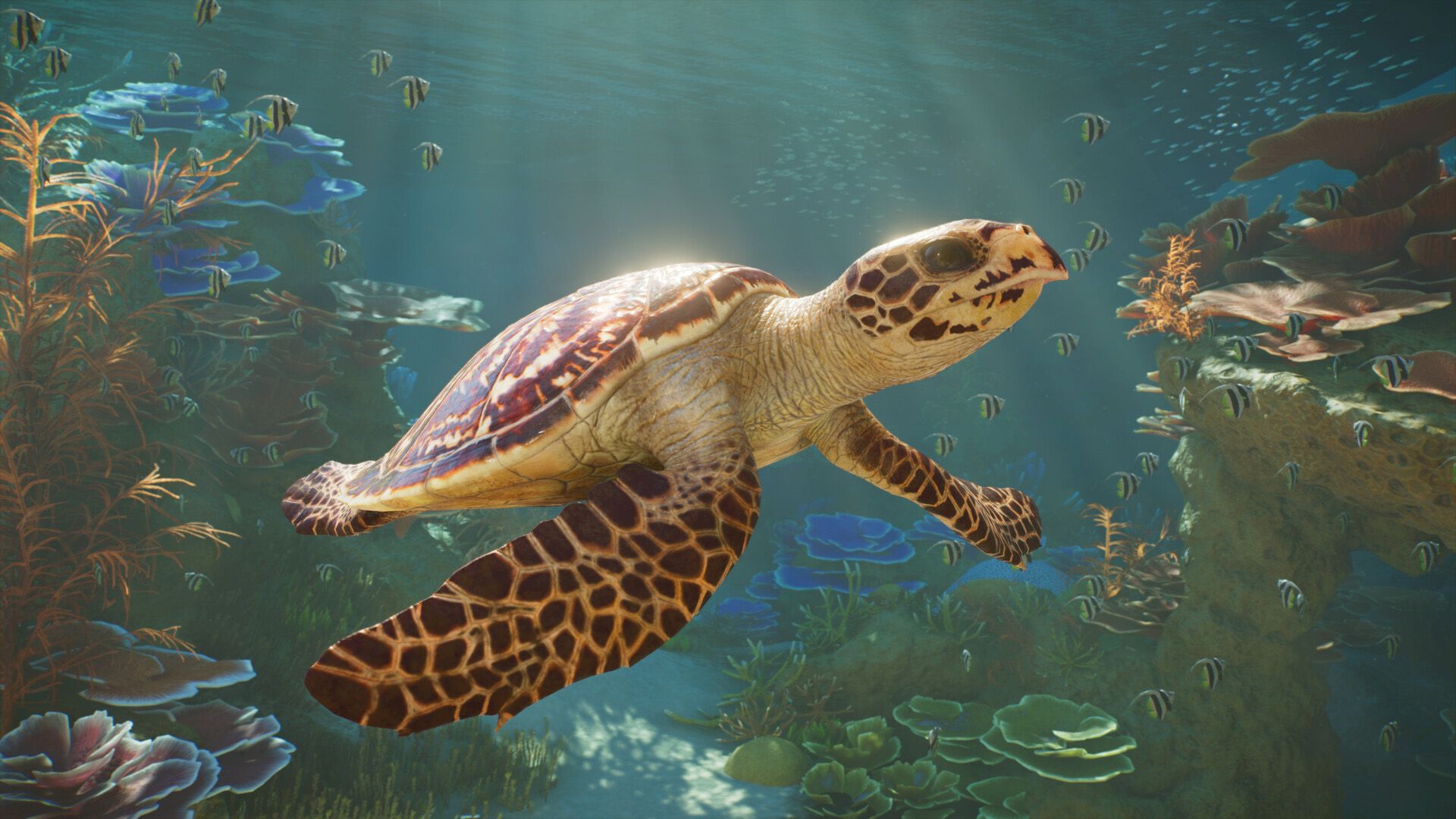 Planet Zoo 2 Review – Frontier’s Zoo Sim Goes Bigger and Deeper
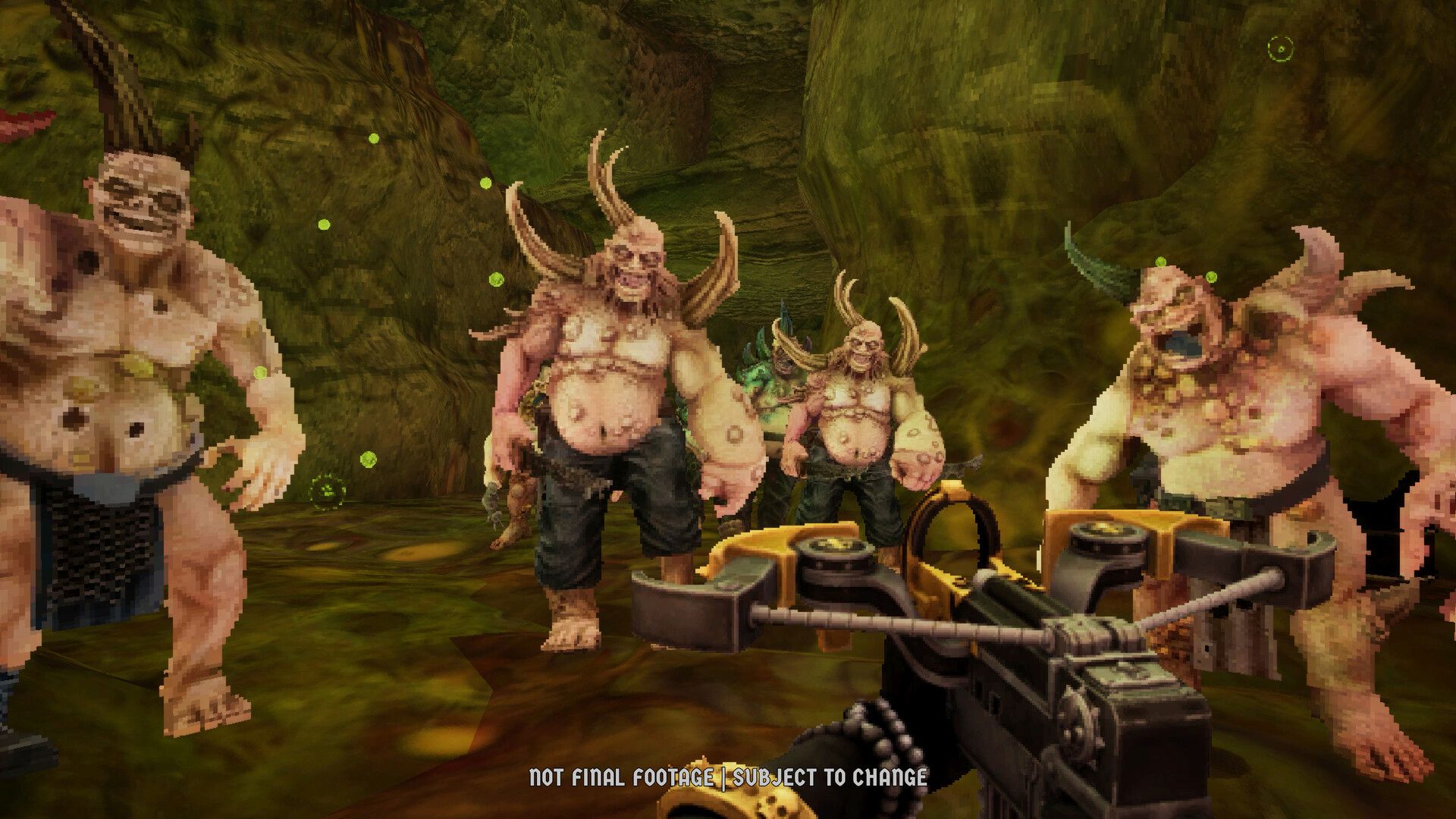 Warhammer 40K: Boltgun 2 Review – More Madness and Mayhem