
Running a Minecraft Server: What Actually Matters for Performance
A lot of players eventually think about running their own Minecraft server. It usually starts simple. A few friends want to play together. Someone says, “Why not just host our own world?”
So a server gets created.
At first everything feels easy. A couple of players join. People build houses, explore caves, and maybe fight the Ender Dragon together. The world runs smoothly and nobody thinks much about performance.
But sooner or later someone starts asking about server specs.
How much RAM do we need?
Will the CPU matter?
Can a normal PC run this?
That’s when players begin searching for minecraft server hosting requirements.
And suddenly there’s more to think about.
A Small Server Is Usually Easy to Run
If you’re running a small vanilla server, the requirements are not huge.
Two or three players exploring together usually won’t stress the system much. The game mostly needs to generate terrain, update mobs, and process player actions.
A basic setup can handle that.
But things start changing when the world grows. Players build farms. Redstone machines appear. Someone creates an automatic storage system. Another player starts exploring thousands of blocks away.
And suddenly the server is doing a lot more work.
It’s updating chunks, calculating redstone, managing mobs, and loading new terrain all at the same time.
That’s when performance starts to matter.
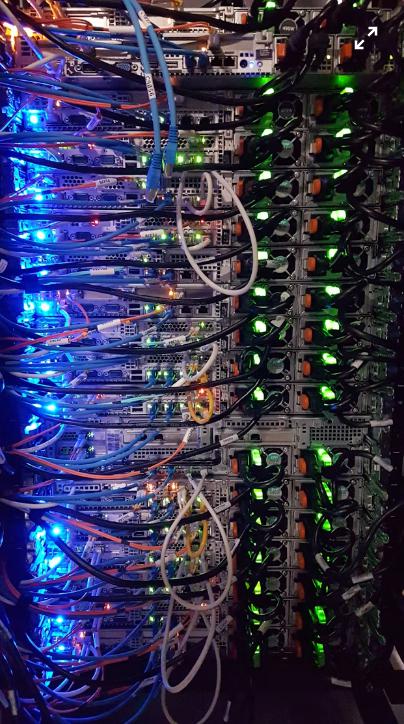
Hardware Matters More Than People Expect
One thing many new server owners underestimate is the importance of hardware.
Minecraft is not a typical game server. It relies heavily on CPU performance and memory.
When people research minecraft server hardware requirements, they usually focus on three things:
– CPU speed
– available RAM
– fast storage
The CPU handles most of the world calculations. Every redstone tick, every mob movement, and every block update depends on it.
RAM stores the active world data. When players explore new areas, the server loads more chunks into memory.
And storage speed affects how quickly the server can read or save world data.
At first none of this sounds like a big deal. But once a server becomes busy, the difference between weak and strong hardware becomes obvious.
Mods Change Everything
Vanilla Minecraft already uses a decent amount of resources.
Mods push things much further.
A few small mods usually won’t cause problems. Maybe a minimap, a storage improvement, or a small gameplay tweak. Those are light.
But modpacks are a different story.
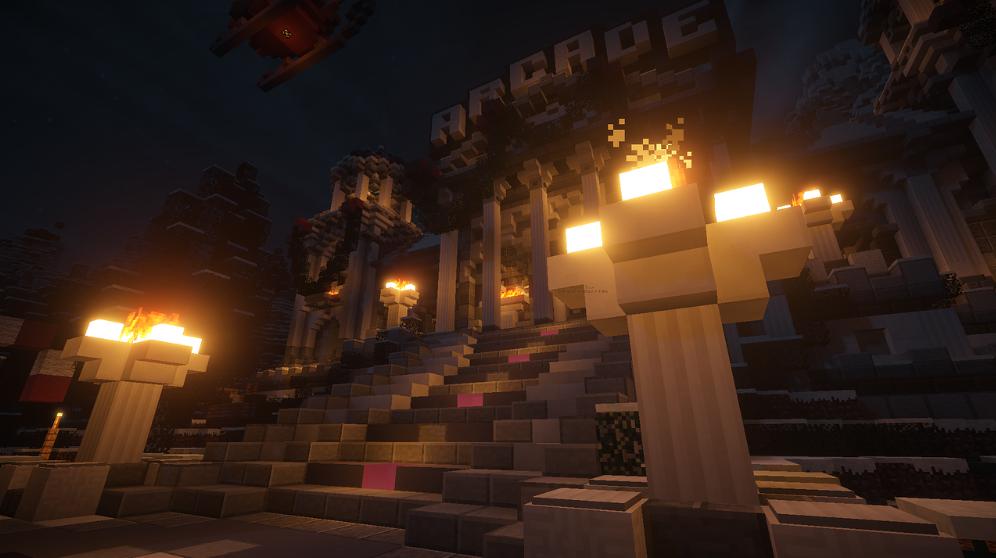
Some modpacks add machines that run constantly. Others add energy networks, automation systems, new mobs, or complex crafting mechanics.
All those systems run in the background.
And that’s why modded minecraft server requirements are usually higher than people expect.
A factory that processes ores automatically. A mob farm running all night. Pipes moving items across a base. Each system adds more work for the server.
Individually they seem small.
Together they can create serious load.
RAM Becomes a Big Factor
When people talk about Minecraft servers, RAM comes up constantly.
And for good reason.
A large world with many active chunks uses memory quickly. Add several players exploring in different directions and the memory usage grows even faster.
Now add mods on top of that.
Machines, items, mobs, and scripts all consume memory. The server has to keep track of everything.
That’s why many communities eventually look into why modded servers need high RAM hosting once their world becomes complex.
Without enough RAM, the server starts struggling.
Chunks load slowly. Players notice lag spikes. Sometimes the server hangs for a second when the world gets too active.
The world itself is fine. The server is usually just struggling with resources.
Player Behavior Also Affects Performance
Hardware is important, but player behavior also matters.
Here’s a common situation.
One player builds a huge redstone farm. Another creates an automated factory. A third player starts exploring the world far away from spawn.
Now the server is processing machines, mobs, and world generation all at the same time.
Even strong servers can feel the impact when several heavy systems run together.
So good server communities often set a few simple rules.
Avoid massive lag machines.
Limit extremely large farms.
Spread out complex builds.
These small habits help keep the server stable.
Hosting vs Local Servers
Some players try running servers on their own computer.
And for small worlds, that can work.
But once a server grows and several players join regularly, local hosting becomes harder to manage. Your computer is suddenly running the game and the server at the same time.
That’s when people start looking for dedicated hosting.
A good hosting setup provides stable hardware, fast storage, and enough memory to handle busy worlds.
It also keeps the server online even when the owner is not playing. For long-term multiplayer worlds, that reliability makes a big difference.
What Really Keeps a Server Stable
At the end of the day, a smooth Minecraft server depends on a few simple things.
Strong CPU performance.
Enough RAM for active chunks and systems.
Fast storage for world data.
Add good server habits and things usually run fine.
Minecraft servers don’t need extreme hardware to work. But they do need enough resources to handle what players build inside the world.
And as many server owners eventually discover, the more creative players become, the more work the server has to do behind the scenes.